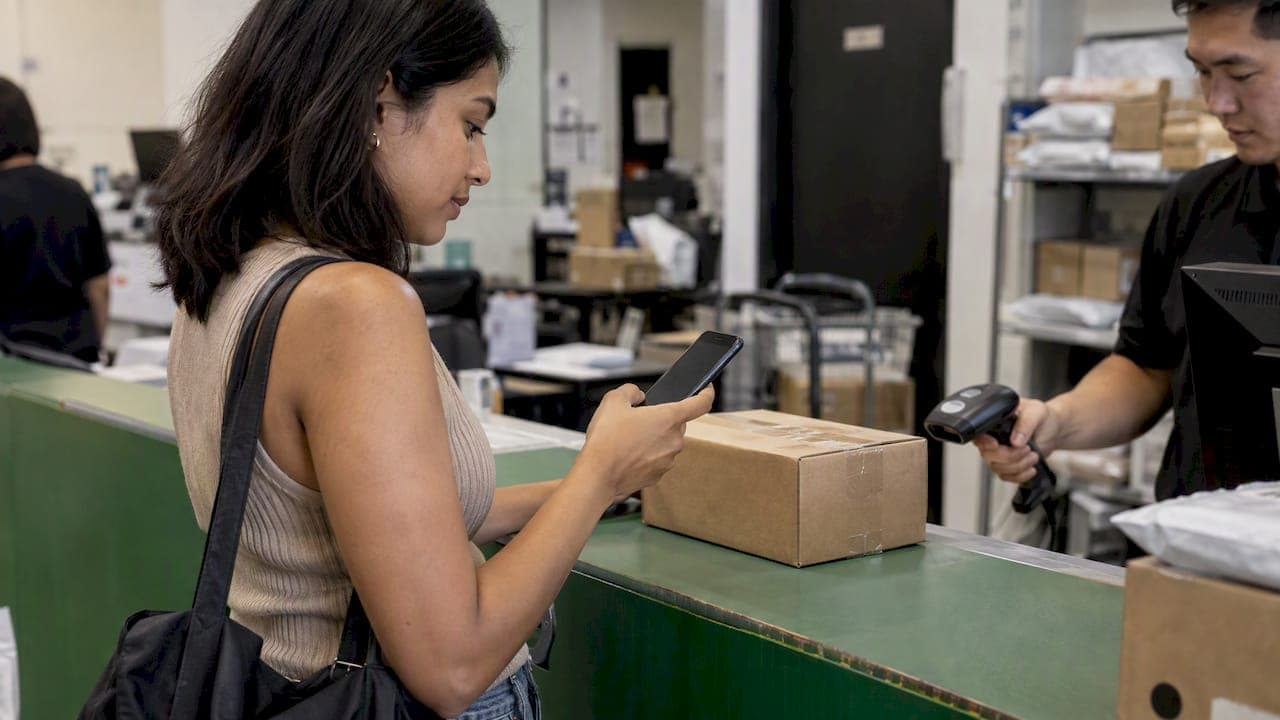
A QR code shipping label is a digital label. You buy postage online, the carrier or shipping tool gives you a QR code on your phone or in an email, and a staff member or kiosk at a drop-off location scans it and prints the real label for you. You never need a home printer. The catch is that not every carrier, country, service or drop-off point supports it, so check before you pack.
This guide covers how the process works, who accepts QR codes, where it falls short, what it can cost, and what to do when it is not an option. It also covers international parcels, where customs paperwork changes the picture.
TL;DR
- A QR code label lets you ship without a printer: the drop-off location scans your code and prints the label for you.
- Acceptance depends on the carrier, country, shipment type and the specific outlet, so confirm your drop-off point supports it first.
- Some QR programs are limited. For example, UPS QR returns are opt-in, carry a surcharge and are currently for US domestic returns only, according to Loop Returns' printerless returns documentation.
- International parcels usually need customs documents as well as a label, so a QR code alone may not be enough.
- If QR is not available, you can print at a library, office, print shop or shipping counter, or book a service that supplies the label and documents for you.
Table of Contents
- What a QR code shipping label actually is
- How to ship with a QR code, step by step
- Which carriers and locations accept QR codes
- Limitations of QR code labels
- What does it cost to ship without a printer?
- Does a Post Office print labels for you without a QR code?
- What to do if QR codes are not available
- Our perspective on label-less shipping
- Ship internationally from Singapore without the hassle
- A quick checklist before you drop off a QR code parcel
- FAQ
- Sources
What a QR code shipping label actually is
A standard shipping label is a printed sheet with a barcode, the sender and recipient addresses, and routing information. Carriers scan the barcode to sort and track the parcel.
A QR code label moves that sheet into a digital file. The label data is stored by the carrier or the shipping platform. The QR code is a key that points to it. When you present the code at a participating location, the staff member or self-service kiosk scans it, retrieves the label data and prints the label on the spot. They then attach it to your parcel.
You will see this idea under several names:
- QR code label
- Digital shipping label
- Label-less or printerless shipping
- Paperless label
They all describe the same thing: the label exists digitally until the moment it is needed on the box. The parcel itself still carries a printed label by the time it enters the carrier network. "Label-less" refers to your side of the counter, not the carrier's.
How to ship with a QR code, step by step
The exact screens differ by carrier and platform, but the flow is nearly always the same.
- Choose a service that offers QR codes. Look for an option such as "print at a drop-off location," "QR code" or "no printer" when you buy postage. If you see only "print label," that service may not support it.
- Enter the shipment details. Add sender and recipient addresses, parcel weight and dimensions, and the service level. Accurate weight and size matter because the price is calculated from them.
- Pay for the shipment. The label is created after payment.
- Select the QR code option. You will get a code on screen and usually by email or in an app.
- Save the code where you can open it offline. Take a screenshot, and keep the email as a backup. A phone with no signal at the counter is a common reason for delays.
- Pack the parcel securely. Seal it, but do not tape over anything where a label will go. Leave a flat, clear area on the largest face of the box.
- Go to a participating location. Bring the parcel and the code. Show the code to the staff or scan it at the kiosk.
- Keep the receipt. It proves drop-off and shows the tracking number. Check that tracking shows a first scan.
For a deeper look at placing the label so it scans first time, see our guide on how to attach a shipping label so it scans and arrives.
Which carriers and locations accept QR codes
There is no universal QR standard. Each carrier runs its own program, and each program has its own list of eligible locations. Loop Returns documents printerless return examples at eligible FedEx Office and Walgreens locations, eligible USPS and Canada Post locations, Royal Mail or Evri locations in the UK, Australia Post locations, and UPS Stores in the US, and it notes that eligibility is not universal within each network.
In practice, this means two things:
- A carrier supporting QR codes does not mean every branch does.
- A branch accepting QR codes for returns does not mean it accepts them for outbound shipments.
The table below shows how to think about the main places you might drop a parcel.
| Drop-off type | Usually supports QR scanning? | What to check before you go |
|---|---|---|
| Post office counter run by a national postal service | Often, at participating branches | Whether your branch is on the carrier's eligible list |
| Carrier-branded retail store | Often, at participating stores | Store hours and whether the store accepts your service level |
| Pharmacy or convenience chain acting as a drop point | Sometimes | Whether that chain is a listed partner for your carrier |
| Locker or self-service kiosk | Varies | Whether the kiosk can print labels or only accept pre-labeled parcels |
| Courier pickup at your door | Rarely | The driver usually needs a printed label unless the service says otherwise |
The safest habit is to open the carrier's own location finder, filter for the QR or printerless option if one exists, and call the branch if the listing is unclear.
Limitations of QR code labels
QR codes are convenient, but you should know where they stop working.
Not every service is eligible
Loop Returns states that some programs are domestic only. As one example, UPS QR returns are opt-in, incur a surcharge and are currently available for US domestic returns only. A service that works for a domestic return may not exist for an outbound international parcel.

You depend on the location
If the branch has a broken printer, a long queue or a staff member unfamiliar with the code, you may lose time. Having a backup printed label avoids a wasted trip.
Your phone becomes a single point of failure
A dead battery or a lost signal can stop the drop-off. Save the code offline and keep the email.
Pickup is harder
A driver collecting from your door generally needs a label already on the box. If you want doorstep collection, you usually need a printed label or a service that supplies one.
International shipments need more than a label
Cross-border parcels usually need a commercial invoice or customs declaration describing the contents and their value. A QR code that produces a label does not necessarily produce those documents. Learn what the paperwork needs to include in our shipping label requirements list and in our explainer on international parcel labeling.
Label quality still matters
The printed label must scan. A crumpled, glossy-taped or badly sized label causes scan failures. Our guide to shipping label size explains what to check.
What does it cost to ship without a printer?
The price of a QR code label depends on the carrier and the service, so there is no single figure to quote. What you can do is compare three cost layers:
- Postage: the same weight, size and destination decide the base price whether the label is printed or digital.
- Printerless fee: some programs add a surcharge. UPS QR returns, for instance, carry a surcharge. Others may not. Check the checkout screen, not just the headline rate.
- Your own printing cost: a page at a library or print shop is usually small, but it costs time and travel.
So a no-printer label can cost more than printing at home, but it does not have to. Compare the final total at checkout, with every fee shown, before you pay.
If you ship regularly, owning a basic printer may be cheaper over a year than paying a per-label fee. If you ship once or twice, QR or a print shop is usually enough.
Does a Post Office print labels for you without a QR code?
Some counters will help if you bring your label details in another form, but policies vary by carrier, country and branch, and some may charge for the service. Because we could not verify one rule that applies everywhere, ask the branch before you travel. Bring:
- The order or confirmation number
- The tracking number
- A government ID if the branch asks for it
- The addresses and parcel details, in case staff need to re-enter them
If the answer is no, move on to one of the alternatives below.
What to do if QR codes are not available
You have several practical routes when your carrier has no QR option or the drop-off point cannot print.
- Print somewhere else. Libraries, print shops, co-working spaces and many offices will print a single page. Save the label as a PDF, bring it on a USB drive or email it to yourself.
- Print on plain paper. Most carriers accept a label printed on regular paper, as long as the barcode is clear. Tape it flat on all edges, with clear tape that does not run across the barcode. See our step-by-step print guide for Singapore, which applies the same method anywhere.
- Hand-write only where allowed. A handwritten address is not a substitute for a scannable barcode on a carrier label.
- Use a service that provides the label and paperwork. An aggregator that generates documents and arranges collection removes the printing step in many cases.
- Ask a friend or colleague. It sounds basic, but for a one-off shipment it is the fastest fix.
If you want to create the label online first and print later, our guide on how to create a shipping label online shows the process for sellers who also need customs clearance.
Our perspective on label-less shipping
We handle international shipments from Singapore every day, and the same pattern shows up. Most delays are not caused by the parcel. They come from paperwork that does not match the goods, labels that do not scan, or a drop-off plan that was not checked first.
A QR code solves one of those problems, the printer. It does not solve the other two. For a domestic return, it can be the simplest option available. For an international export, the label is only one piece, and customs documents, accurate declared values and correct addresses matter as much.
Our view is that the best shipping experience removes steps rather than moving them around. That is why we focus on three things:
- Free pickup at the sender's doorstep, so you do not need to find a counter
- Auto-generated shipping labels and customs documentation, so paperwork is prepared for you
- Access to several carrier partners, with priority, connect-plus and economy speeds, so you choose the balance of cost and urgency
If you ever have to choose between a trip to a branch with a code on your phone and a courier who collects, think about the value of your time and the risk of a failed drop-off. And whatever method you pick, always confirm before you leave home that the exact service you bought supports it.
— SP
Ship internationally from Singapore without the hassle
If you are sending a parcel or documents abroad from Singapore, Simply Parcel lets you compare carrier options, book online, and get your label and customs documents generated automatically. We offer free pickup at your doorstep, tracking in real time, and three speeds: Priority, Connect Plus and Economy. You can start with a shipment quote and see the options for your destination.

If you are choosing between speeds, our comparison of FedEx International Priority and FedEx International Connect Plus explains the difference, and you can see all three service types on our Priority, Connect Plus and Economy shipping page.
A quick checklist before you drop off a QR code parcel
Run through these points the evening before.
- The service you bought explicitly offers a QR or printerless option
- The branch is on the carrier's eligible list, and you know its opening hours
- The QR code is saved as a screenshot and in your email
- The parcel is sealed and has a flat, clean spot for the label
- Your phone is charged
- You have a backup plan, such as a PDF you can print elsewhere
- For international parcels, the customs documents are ready and match the contents
If you return a parcel to a seller in the United States, our return parcel process steps from Singapore to the U.S. cover the order of actions and paperwork. If your recipient uses a PO box, read our notes on delivery to a PO box first, because some carriers cannot deliver to one.
FAQ
How do I use a QR code for a shipping label?
Buy your postage online and choose the QR or printerless option at checkout. Save the code on your phone, take the packed parcel to a participating location, and show the code to the staff or scan it at the kiosk. They print the label and attach it for you.
Can I ship a package without a printer?
Yes, in several ways. You can use a QR code at a participating drop-off point, print the label at a library or print shop, or use a service that arranges collection and supplies the label and documents. Which route works depends on your carrier, your country and the service you bought.
What are the disadvantages of QR code labels?
They are not available everywhere. Eligibility depends on the carrier, the country, the service and the individual branch, and some programs add a fee or cover domestic shipments only. You also rely on your phone and on the location's equipment working on the day.
Do QR code labels work for international shipping?
Sometimes, but do not assume so. Many QR programs are domestic only, and international parcels also need customs documents that a label alone does not provide. Check the exact service before you book, and prepare the paperwork separately if needed.
Can a no-printer label cost more?
It can. Some programs add a surcharge, while others do not. Compare the full total at checkout, including any printerless fee, against the cost of printing the label yourself.