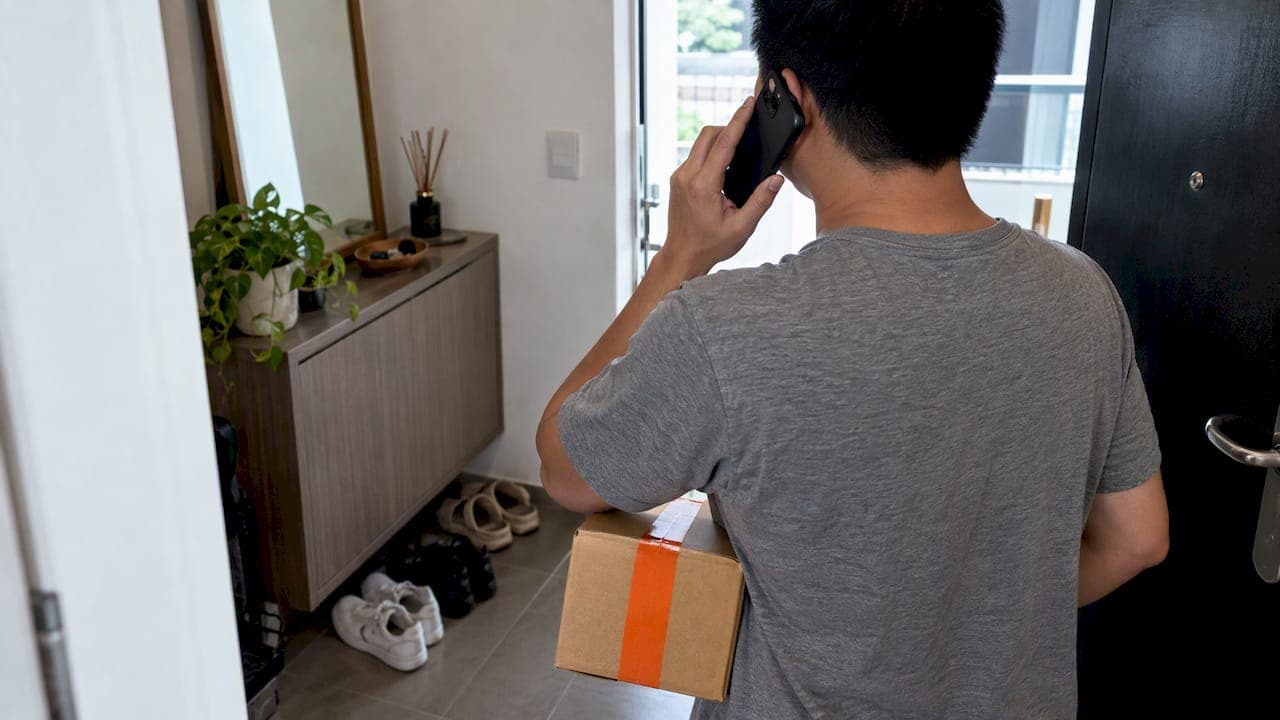
Yes, in many cases you can change a courier delivery address, but success depends on your order's status and which party controls it right now. Your three practical routes are the merchant or marketplace account, the carrier's own support channel, and direct contact with the delivery person. Start by checking your order status and using the merchant's order-edit option if it appears; this is almost always your fastest path.
TL;DR:
- Edits are usually possible only within the first 30 to 60 minutes after placing an order, depending on the merchant’s policy.
- Once a parcel is with the carrier or out for delivery, rerouting options are limited and may involve fees or special procedures.
- Contact the merchant or marketplace directly for quick edits early in the process, and use carrier support or tracking options once the parcel is shipped.
- Changing an address late in the delivery stage may require direct contact with the driver or holding the parcel at a pickup point, risking delays or charges.
- Prevent future issues by setting up validated addresses, using autocomplete features at checkout, and choosing alternative delivery options when possible.
Table of Contents
- Quick action checklist: what to try first, second, third
- When can you actually edit a delivery address?
- How to change the address step-by-step, by channel
- What an address change might cost you
- My parcel is already out for delivery. What now?
- How to avoid address mistakes next time
- How we think about address changes at Simply Parcel
- Get your address right before your parcel leaves the ground
- FAQ
- Sources
Quick action checklist: what to try first, second, third
When you notice an address mistake, speed matters more than anything else. Work through these steps in order and stop as soon as one succeeds.
- Check your order status right away. If it hasn't entered the shipping process, edit the address in your merchant or marketplace account, or cancel and reorder if editing isn't offered.
- If the merchant gives you a short edit window, usually measured in minutes or hours, use it immediately before it closes.
- If the order has already moved to the carrier, look for a reroute or address-change option on the carrier's tracking page, or call their support line with your tracking number ready.
- If the parcel is out for delivery, message or call the delivery person directly and confirm clear directions.
- Write down your order number, tracking number, and any confirmation message you receive, since you may need it if a dispute comes up later.
When can you actually edit a delivery address?
Every carrier and merchant sets its own rules for how long an address stays editable, and those rules hinge almost entirely on order status.
- Merchants often allow edits only until the order enters the shipping process. Google Store permits changes within about an hour of checkout, and many other marketplaces work on a similarly short window.
- Once a carrier has accepted the parcel or it's out for delivery, edits are frequently blocked on your account, and you'll need the carrier to initiate the reroute instead.
- Special cases carry stricter rules. Large in-home deliveries, international shipments, and orders placed through third-party marketplace vendors often follow different procedures than a standard parcel.
- When you're not sure where your order stands, check the tracking status first, then go straight to the merchant's help center for the exact window that applies to your purchase.
Acting within the first 30 to 60 minutes after checkout gives you the best odds of a clean edit, since that's the window several marketplaces build into their fulfillment process.
How to change the address step-by-step, by channel
The right method depends entirely on who currently holds your parcel.
Through the merchant or marketplace:
- Go to your order history and select view or edit order. If no edit option appears, cancel and reorder with the correct details.
- Amazon recommends exactly this approach, noting that edit windows can differ between desktop and the mobile app, so check both if one doesn't show the option.
Through the carrier:
- Open the tracking page and look for reroute or change-of-address features.
- If nothing appears there, open a support ticket with your tracking number or call the carrier's local support line directly.
Through a food or delivery app:
- Edit the address before pickup happens; most apps lock this option the moment the order leaves the restaurant or store. Uber Eats explains that once pickup has occurred, your best move is contacting the delivery person directly, since they decide whether to accept the change.
Before reaching out to anyone, gather your order ID, tracking number, the correct new address, a phone number the courier can reach you on, and a screenshot of your delivery details.
Pro Tip: Save your tracking number in your phone's notes app the moment you book. It's the single detail every support agent asks for first.

What an address change might cost you
Redirecting a parcel isn't always free, and understanding why helps you avoid surprise charges.
- Carriers commonly charge address-correction or redirection fees to cover the extra travel and handling involved, and the amount usually depends on how far along the delivery is and how far the new address sits from the original route.
- Some carriers will refuse a reroute outright if the new address falls outside their service zone or requires a transfer between sorting hubs.
- An address change can push back your delivery date and may affect any refund or cancellation window tied to your order.
Redirecting a parcel that's already with a courier can involve meaningful extra logistics, and Uber Eats notes that carriers may be unable to reroute at all if the new address sits outside their coverage area. Before you approve any charge, ask the carrier to explain the fee and send written confirmation. A closer look at why address-correction fees happen can help you spot avoidable charges before they land on your bill.
My parcel is already out for delivery. What now?
This is the trickiest stage, but it's still often fixable if you move fast.
- Open your tracking app and call or message the driver directly, giving precise directions and a phone number where you can be reached.
- Ask if the driver can deliver to the new address if it's a short detour, and offer to cover any reasonable extra charge if one applies.
- If a reroute isn't possible, ask the driver to hold the parcel at a nearby collection point or return it to the depot so you can pick it up.
- If you can't reach the driver at all, open an official trace or redirection request with the carrier using your tracking number.
Uber Eats points out that direct driver contact often works for short detours, though it can come with a fee tied to distance or driver compensation. Real-time tracking makes this whole process faster, since you can see exactly where the parcel sits before you call anyone, as explained in our guide on parcel tracking for smarter shipping.
How to avoid address mistakes next time
A little setup now saves you a stressful call later.
- Keep an address book with validated entries, and set a default address in the stores you shop most.
- Turn on address autocomplete at checkout, and double-check apartment or unit numbers and postal codes before confirming.
- Consider alternate delivery options like a locker, office delivery, or a scheduled delivery window when your home address is hard to pin down.
- If you ship often, save separate profiles for home, work, and gift recipients so you never have to retype details under pressure.
These small habits pair well with the delay-prevention steps in our guide to avoiding shipping delays.
How we think about address changes at Simply Parcel
As a shipping aggregator, we compare carrier options and surface reroute features specific to each partner, so you're not stuck guessing which carrier allows what. When you reach out to us about an address correction, having your booking ID, phone number, and proof of identity ready speeds up the request considerably. We treat every booking the same way regardless of parcel size or destination: check status first, then route the request to whichever party, merchant, carrier, or driver, actually controls the parcel at that moment.
— Simply
Get your address right before your parcel leaves the ground
We make international shipping simple by comparing carriers, handling pickup bookings, and providing real-time tracking that helps make reroutes less stressful when changes are needed.

- Compare Priority Shipping, Connect Plus Shipping, and Economy Shipping options before you commit to a carrier.
- Get an instant quote and book a pickup through our shipment quote page.
- Track your parcel in real time once it's booked, helping you catch any address issues early.
If you're about to ship internationally, get your instant quote now and let us help you avoid the address headaches altogether.
FAQ
How do I edit my shipping address after checkout?
Open your order history in your merchant or marketplace account and look for a view or edit order option, which is usually only available before the order enters the shipping process. If no edit option appears, cancel the order and reorder with the correct address, following the approach Amazon recommends for its own customers.
How do I change the delivery address on a marketplace order?
Most marketplaces let you update the address directly in your account while the order status still shows as processing or not yet shipped. Once the item ships, you'll typically need to contact the marketplace's support team or the carrier directly to request a redirect.
How can I change the delivery address for a courier package already shipped?
Once a carrier has accepted your parcel, check its tracking page for a reroute or change-of-address feature, and if none exists, call the carrier's support line with your tracking number ready. Expect this stage to involve a fee, since the carrier is covering extra travel and handling to redirect an already-moving shipment.
Can I change the delivery address once the parcel is out for delivery?
Yes, often by contacting the driver directly through the tracking app and asking for a short detour to the correct address. If the driver can't accommodate the change, ask them to hold the parcel at a collection point or return it to the depot so you can arrange pickup.
Will changing my delivery address delay the shipment?
It can, since a reroute often means the carrier has to adjust its planned route or wait for the next available delivery slot. The exact delay depends on how far the new address sits from the original delivery stop and how busy the carrier's local depot is that day.
Sources
- How to change a delivery address or other Amazon order details - Amazon Customer Service
- Change my delivery address | Uber Eats | Uber Help