
A shipping label is a document attached to a parcel that contains the sender's address, recipient's address, tracking barcode, and service instructions required for delivery. Every carrier, from USPS to FedEx to UPS, depends on this document to route your package through automated sorting systems. Looking at real examples of shipping labels helps you understand exactly what information belongs where, which barcode format your carrier requires, and how to avoid the costly errors that delay shipments. Tools like Pirate Ship, Stamps.com, and Avery label templates make it easier than ever to produce compliant, professional labels at home or at scale.
1. What a typical shipping label includes: detailed examples
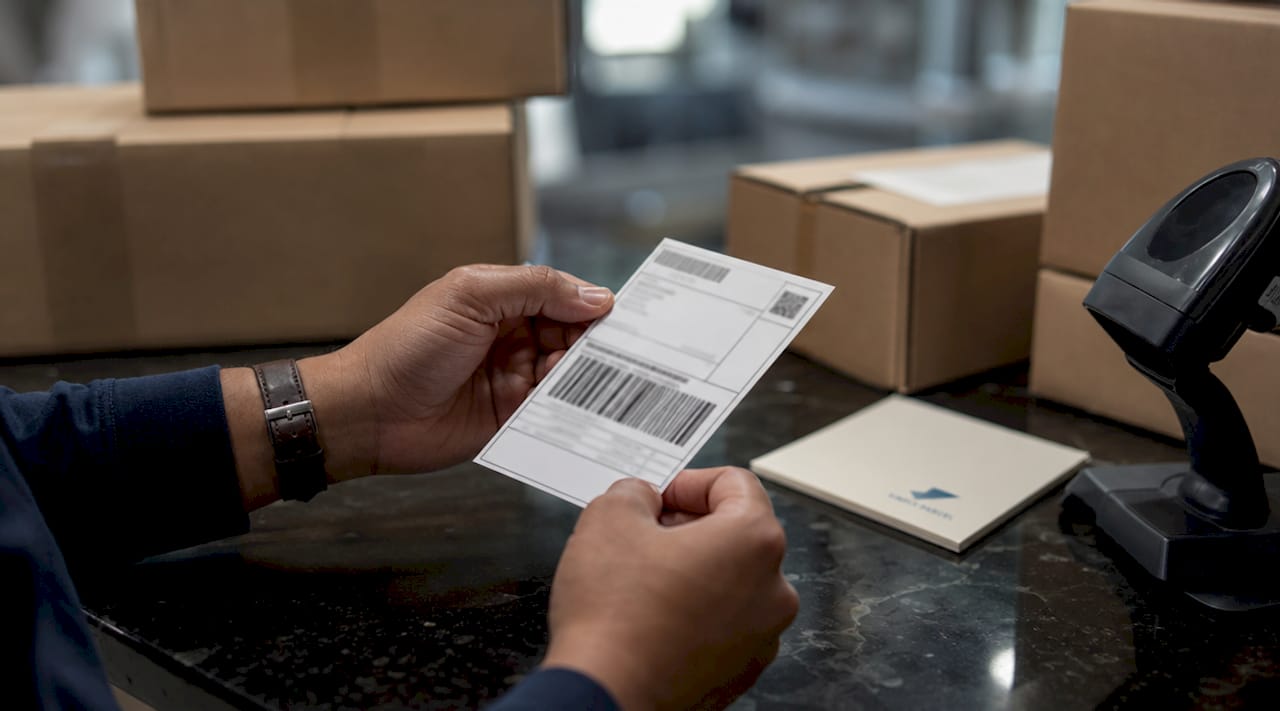
A shipping label is a legally binding contract that specifies shipper obligations and carrier commitments. This means every field on the label carries real weight, not just logistical convenience.
The standard components you will find on any carrier label include:
- Sender name and address: Full name, street address, city, state, and ZIP code. This is the return address if delivery fails.
- Recipient name and address: The delivery destination, formatted clearly to prevent misrouting. Always include apartment or suite numbers.
- Service level indicator: Text like "Priority Mail," "UPS Ground," or "FedEx Express" tells sorters which handling lane the package enters.
- Tracking number: A unique identifier printed in both human-readable digits and barcode format.
- Barcode: The machine-readable element that drives automated sorting. Carrier-specific formats include IMpb (USPS), MaxiCode (UPS), and PDF417 (FedEx).
- Package weight and dimensions: Used to verify postage and flag dimensional weight surcharges.
- Special handling instructions: Text like "Fragile," "This Side Up," or "Keep Refrigerated" for items requiring extra care.
Pro Tip: Always double-check that the ZIP code on your label matches the city and state. A transposed digit is one of the most common causes of misdelivery, and it is not caught by most label generation tools automatically.
2. Examples of shipping label templates for different shipment types
Different shipments call for different label structures. Here are four common template types you will encounter.
-
Basic e-commerce shipping label: This is the most widely used format. It includes sender and recipient addresses, a service level badge, a tracking barcode, and postage value. Platforms like Shopify and WooCommerce generate this automatically at checkout. The layout follows a standard 4x6 inch format for compatibility with thermal printers.
-
Subscription box label: Similar to a basic e-commerce label but often includes branding elements like a logo or custom color band at the top. These labels may also carry marketing text such as "Monthly Box" or a product category. Handling notes are less common unless the contents are fragile.
-
Fragile item label: This template adds a high-visibility "Fragile" or "Handle with Care" banner, usually in red or orange. Some carriers require this to be a separate adhesive sticker placed adjacent to the main label. Including it on the primary label as a printed field is also acceptable for most carriers.
-
Return shipping label: Return labels differ from outbound labels in one key way: payment timing. Prepaid return labels charge the shipper at the time of printing. Scan-based labels only charge when the carrier scans the package at drop-off. QR code returns are now preferred by 67% of shoppers because they eliminate the need to print anything at home.
-
LTL freight label: Less-than-truckload shipments require additional identifiers that standard parcel labels omit. LTL labels must include a Bill of Lading number, freight class, and piece count such as "1 of 4." These fields verify shipment completeness at each transfer point.
Here is a quick comparison of label types by key fields:
| Label type | Tracking barcode | Return address | Freight class | Handling note |
|---|---|---|---|---|
| Basic e-commerce | Yes | Yes | No | Optional |
| Fragile item | Yes | Yes | No | Required |
| Return label | Yes | Reversed | No | Optional |
| LTL freight | Yes | Yes | Required | Optional |
| Subscription box | Yes | Yes | No | Optional |
3. How carrier-specific shipping labels differ: USPS, UPS, and FedEx examples
Each major carrier uses a distinct barcode format and label layout. Understanding these differences prevents rejected shipments and scanning failures.
USPS uses the Intelligent Mail Package Barcode (IMpb), a linear barcode that encodes the tracking number, service type, and routing data. The standard label size across USPS, UPS, and FedEx is 4x6 inches, which fits all automated sorting equipment. USPS labels also display a red, white, and blue service banner for Priority Mail or a green banner for First-Class Package Service.
UPS labels are identified by their "1Z" tracking number prefix and use MaxiCode, a 2D matrix barcode placed in the upper right corner. MaxiCode encodes the destination ZIP code, service class, and tracking number simultaneously. UPS labels also include a large service-level code in the top right corner, such as "02" for UPS Second Day Air or "03" for UPS Ground.
FedEx labels use a combination of PDF417 (a stacked 2D barcode) and Code 128 (a linear barcode). Carrier barcodes like FedEx PDF417 encode all data needed for automated carrier processing and tracking. FedEx Ground and FedEx Express labels share a similar layout but differ in the service banner color and the routing code placement.
DHL labels for international shipments include a waybill number, destination country code, and a routing barcode specific to DHL's network. For international shipments from Singapore, the label must also carry the Harmonized System (HS) code and declared value for customs clearance. Simplyparcel's platform generates these fields automatically when you book an international shipment.
Pro Tip: Never cover any barcode with tape, even clear tape. Tape creates glare that confuses optical scanners, causing scan failures and manual handling delays. Place tape only on the edges of the label, not over printed data.
4. Printing and design tips based on shipping label examples
The quality of your printed label directly affects whether your parcel moves through the carrier network without interruption.
- Use the 4x6 inch standard. This size is compatible with all major carrier sorting systems. Printing on letter-size paper and cutting it down introduces alignment errors that can make barcodes unscannable.
- Choose a thermal printer for volume shipping. Thermal printers are the professional standard for high-volume label printing because they use heat instead of ink, producing smudge-proof output that lasts the full transit period. Brands like Rollo, Dymo, and Zebra are widely used by e-commerce sellers.
- Use high-contrast settings on inkjet or laser printers. Home shippers using inkjet or laser printers should print at the highest DPI setting available and avoid economy or draft modes. Low-resolution barcodes fail scanner reads and trigger manual handling.
- Never use the "shrink to fit" or "fit to page" setting. Scaling a label down even slightly distorts barcode dimensions and causes scan failures. Always print at 100% scale.
- Place the label on a flat surface. Wrapping a label around a corner or over a seam makes the barcode unreadable. The label must lie completely flat on the largest face of the package.
- Use direct thermal or thermal transfer label stock. Standard paper labels absorb moisture and smear in transit. Adhesive thermal label rolls, available from suppliers like Uline and Amazon Basics, stay legible through rain, humidity, and rough handling.
For businesses managing multi-carrier shipping, standardizing on one label format and printer type across all carriers reduces errors and speeds up fulfillment.
5. Common shipping label mistakes and how templates help avoid them
Label errors are more expensive than most shippers realize. Carrier surcharges range from $13 to $331 per package, and delivery delays affect 70% of customer retention. A single transposed ZIP code or missing barcode can trigger both a surcharge and a lost customer.
The most frequent errors include transposed ZIP codes, missing or damaged barcodes, incorrect package weight, and mismatched service levels. Weight errors are particularly costly because carriers perform retroactive billing adjustments when their scales disagree with the declared weight on the label. Incorrect label inputs result in costly manual interventions and delivery delays that directly reduce profitability.
Label automation software reduces these errors by pulling address, weight, and barcode data directly from your order management system, eliminating manual entry entirely. Platforms like ShipStation, EasyPost, and Simplyparcel generate carrier-compliant labels automatically, which removes the most common source of human error.
"Shipping label generation should be treated as a key logistics control point. Clear scan data and correct barcodes are what allow you to troubleshoot carrier network issues before they become customer complaints." — ClickPost
The FTC's Mail Order Rule adds another layer of urgency. Civil penalties exceed $40,000 per occurrence for sellers who fail to ship within committed timeframes, which makes label accuracy a compliance issue, not just a logistics one. Using tested templates and international parcel labeling standards removes the guesswork from this process.
Key takeaways
A shipping label is a legally binding document, and errors in its fields cost real money through surcharges, delays, and lost customers.
| Point | Details |
|---|---|
| Standard label size | Use 4x6 inches for compatibility with all major carrier sorting systems. |
| Carrier barcode formats | USPS uses IMpb, UPS uses MaxiCode, and FedEx uses PDF417 and Code 128. |
| Return label types | Prepaid labels charge at print time; scan-based and QR code labels charge only on carrier scan. |
| Error costs | Labeling mistakes trigger surcharges of $13 to $331 per package and harm customer retention. |
| Template automation | Software tools eliminate manual entry errors and generate carrier-compliant labels at scale. |
Why label design is the part of shipping most people underestimate
After working with shippers across Singapore and beyond, one pattern stands out clearly: most shipping problems trace back to the label, not the carrier. A package that gets lost, delayed, or returned almost always has a label issue at the root. Either the barcode was printed at the wrong scale, the address was missing a unit number, or the service level did not match what was actually paid for.
What surprises most first-time shippers is how unforgiving automated sorting systems are. A barcode that is 5% too small will fail a scan. A label placed over a box seam will wrinkle and become unreadable. These are not edge cases. They happen regularly, and they are entirely preventable.
The other thing worth saying directly: a well-designed label does more than move a package. It tells your customer that you are organized and professional. When a parcel arrives with a clean, correctly formatted label, it reinforces trust in your brand. When it arrives with a handwritten address or a smeared barcode that required manual handling, it does the opposite. Label design reflects brand professionalism and reduces customer confusion, especially when handling instructions are clearly printed.
The fix is not complicated. Use a template, use a thermal printer, and treat label creation as a step that deserves the same attention as packaging or pricing. The shippers who do this consistently have fewer disputes, fewer surcharges, and better reviews.
— Simply
Ship smarter with Simplyparcel
Simplyparcel takes the complexity out of international shipping for individuals and businesses in Singapore. When you book a shipment through the platform, it automatically generates a carrier-compliant shipping label with all required fields, including tracking barcodes, service level indicators, and customs documentation for cross-border parcels. You compare rates across major courier partners, select your preferred speed, and print your label in minutes. No manual data entry, no formatting errors. For small businesses looking to cut shipping costs without sacrificing reliability, Simplyparcel offers free pickup and transparent pricing with no hidden fees.
FAQ
What is a shipping label and what does it contain?
A shipping label is a document attached to a parcel that identifies the sender, recipient, service level, tracking number, and carrier barcode. It functions as a legally binding contract between the shipper and the carrier.
What size should a shipping label be?
The standard shipping label size for USPS, UPS, and FedEx is 4x6 inches. This size is compatible with automated sorting equipment and thermal label printers used across the industry.
What are the different types of shipping labels?
The main types include standard parcel labels, fragile item labels, return labels (prepaid and scan-based), subscription box labels, and LTL freight labels. Each type includes different required fields depending on the shipment and carrier.
How do carrier barcodes differ between USPS, UPS, and FedEx?
USPS uses the Intelligent Mail Package Barcode (IMpb), UPS uses MaxiCode, and FedEx uses PDF417 combined with Code 128. Each format encodes carrier-specific routing and tracking data for automated processing.
What happens if a shipping label has an error?
Label errors can trigger carrier surcharges ranging from $13 to $331 per package and cause delivery delays that affect customer retention. Using automated label generation tools and verified templates is the most reliable way to prevent these errors.